DevHub
Scaffold production-ready Next.js, Node, Python and Salesforce DX projects, preview every file before you download, and write READMEs from your code with AI.
- Stage
- Live · open source
- Type
- Developer tool · open source
The problem
Starting a new service means an hour of copying config from the last project: lint rules, test setup, Dockerfile, CI. Half of it is out of date, and the README is the last thing anyone writes.
The solution
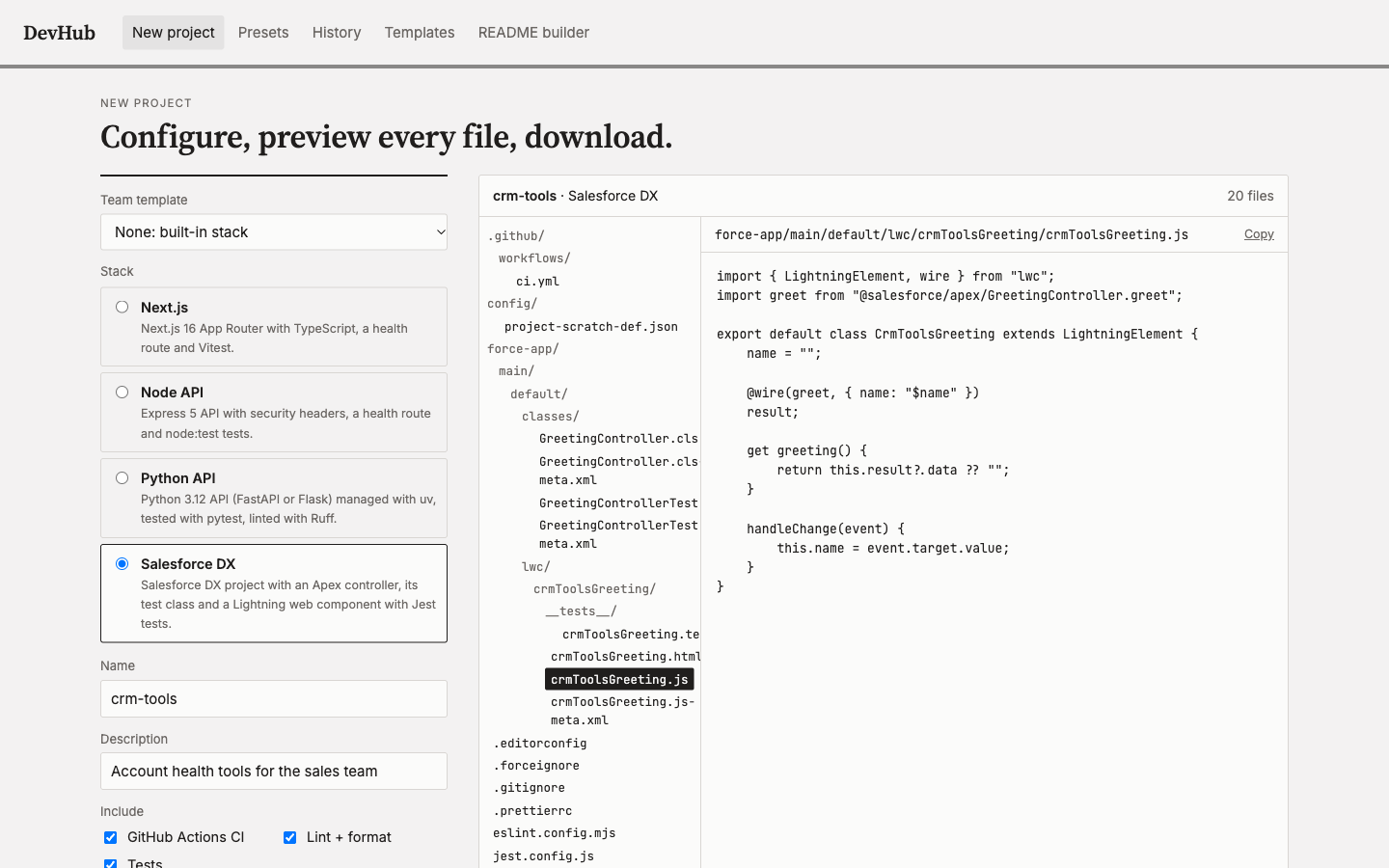
A generator that produces a current, working project for each stack you use, shows you every file first, and writes the README from the code when you're done.
What's included
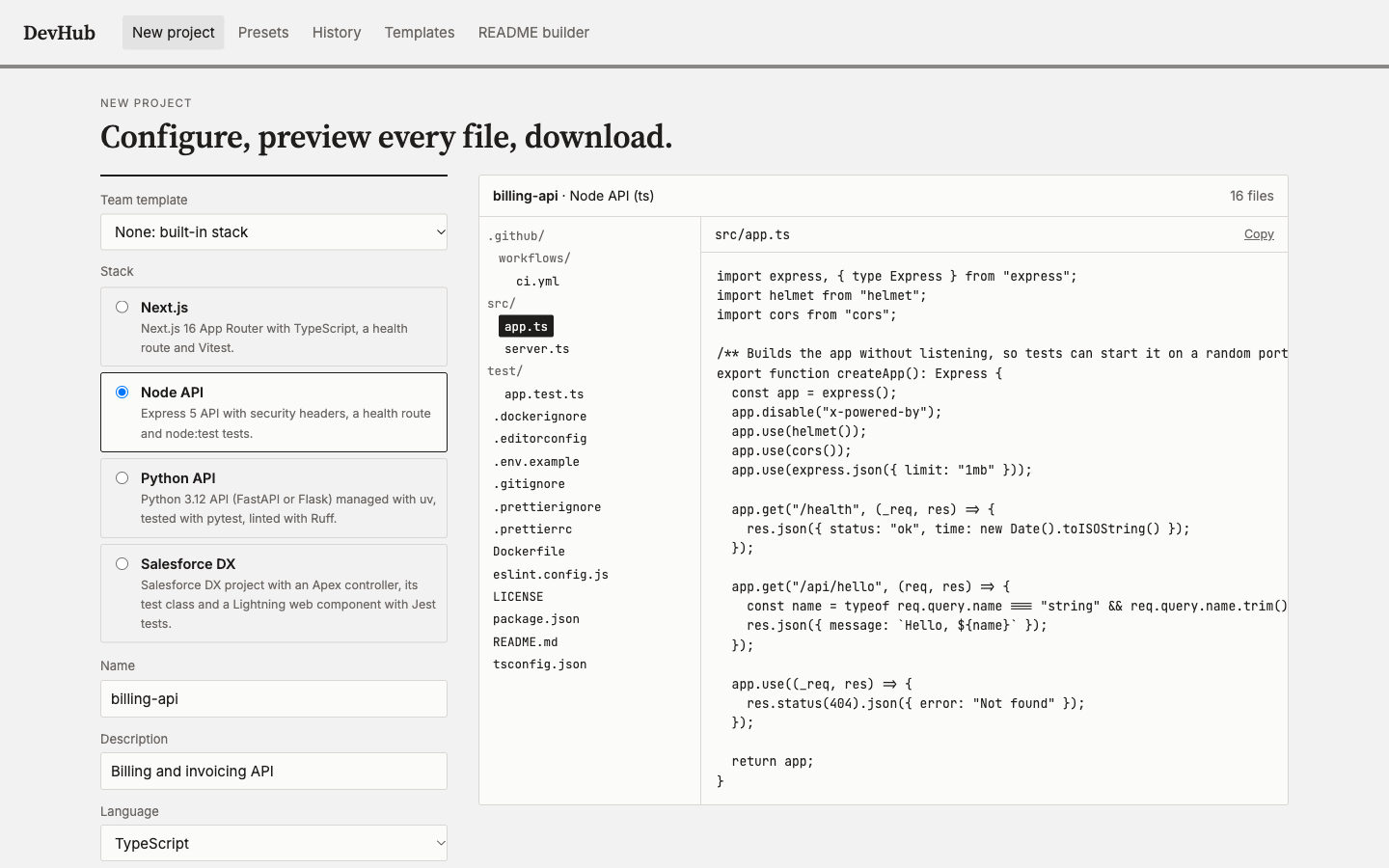
- — Next.js 16, Express 5 (TS/JS), FastAPI/Flask and Salesforce DX stacks
- — Docker, GitHub Actions CI, lint and tests as real toggles
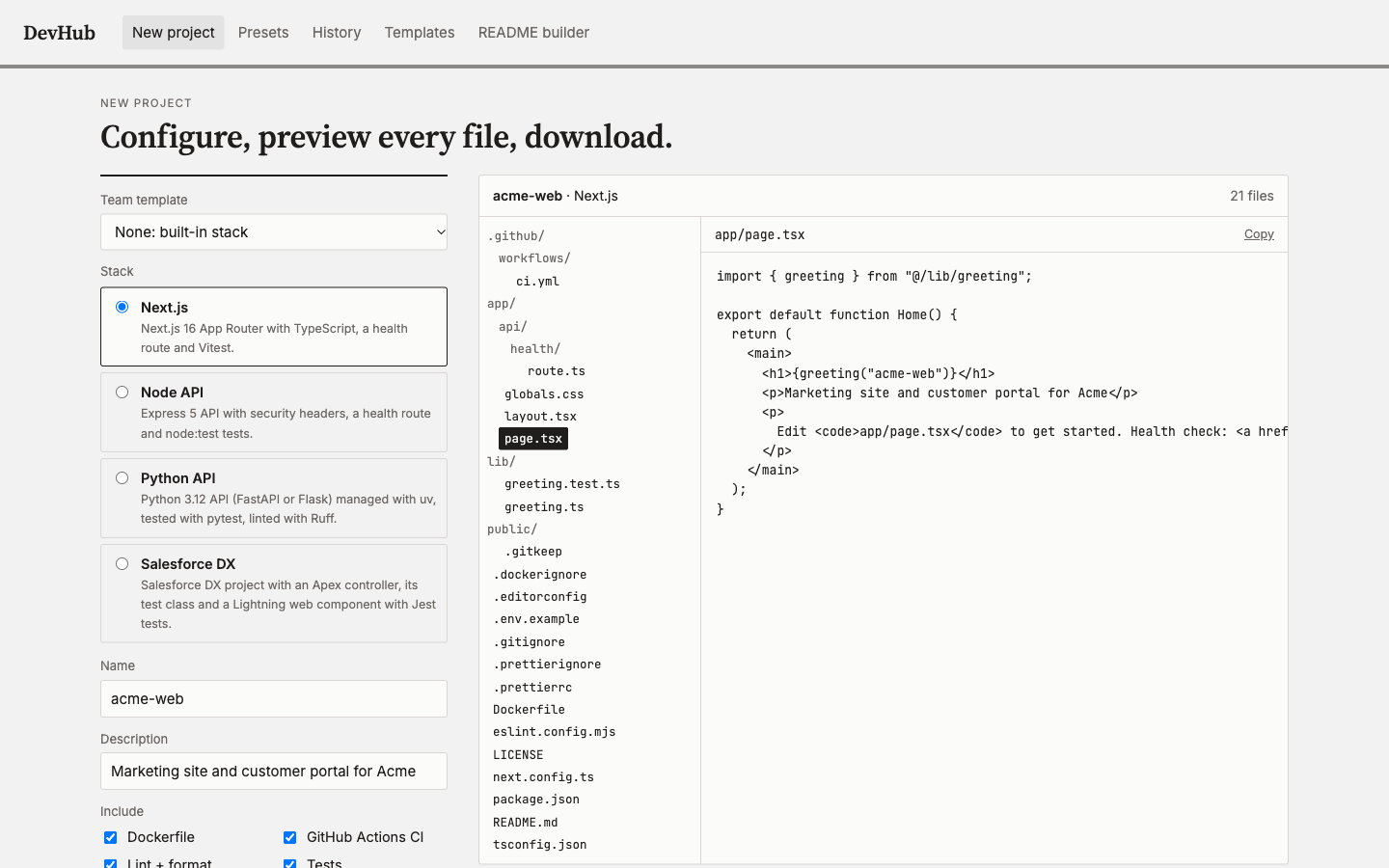
- — Live preview of every file, then a .zip or a folder
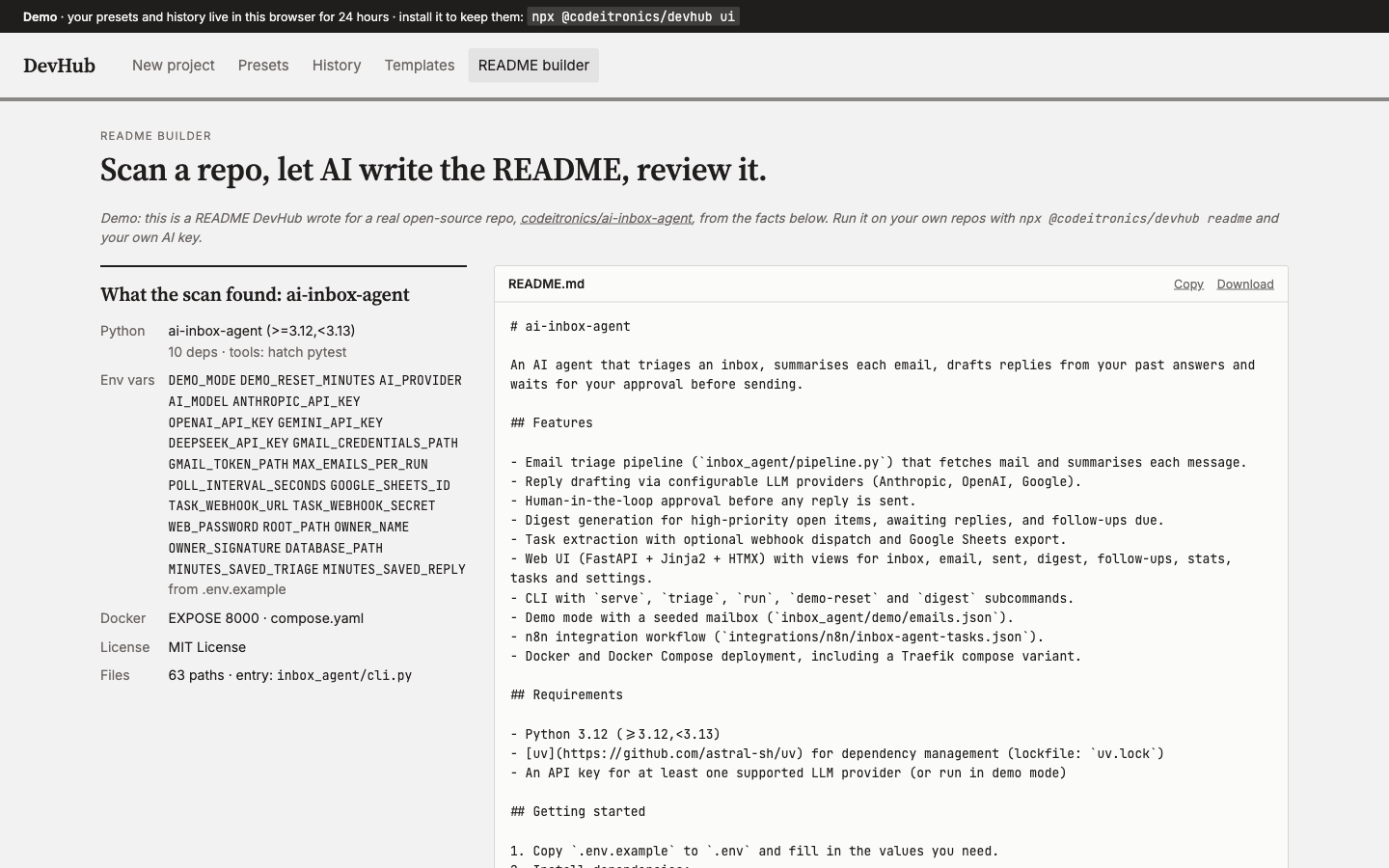
- — AI README builder (DeepSeek, Anthropic, OpenAI or Gemini)
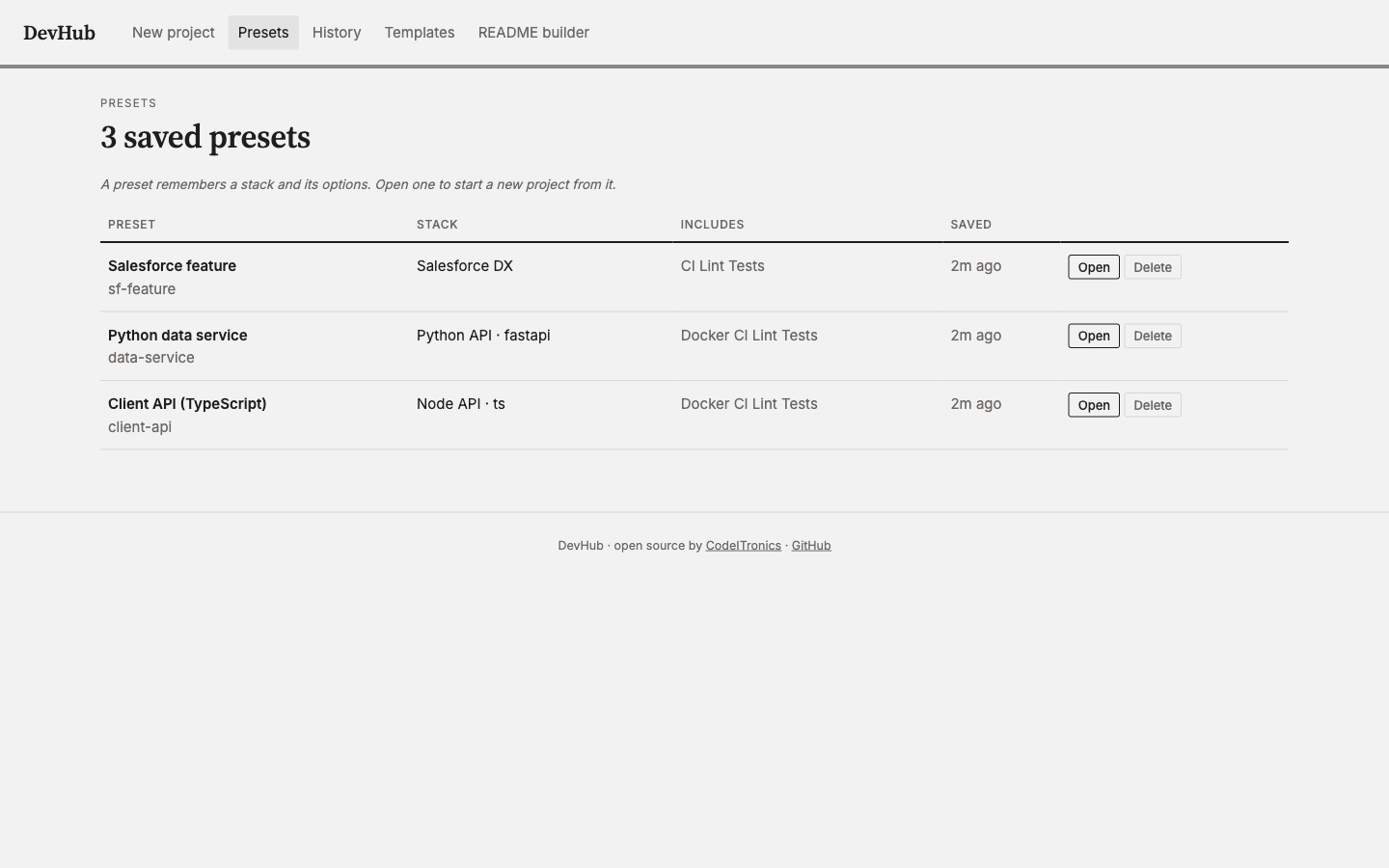
- — Presets, history and team templates in a local dashboard
- — CLI and dashboard share one generator
- — Every stack verified: install, lint, test, build, Docker
Built for
- — Teams that start new services often
- — Agencies and consultancies with a house style
- — Salesforce teams that want LWC tests and linting from day one
How it works
Pick a stack: Next.js, a Node API (TypeScript or JavaScript), a Python API (FastAPI or Flask) or a Salesforce DX project. Choose whether you want Docker, CI, linting and tests, and DevHub shows every file it will create before you download it. The same generator runs from the command line with npx @codeitronics/devhub create.
Every stack is checked the way you'd check it yourself: each one was installed, linted, tested, built and run in Docker during development, so a generated project passes its own CI on the first push.
READMEs from the code
devhub readme scans a repository's manifests, scripts, environment variable names, Docker and CI files, and has an AI write the README from those facts only. It never reads .env, and it leaves out anything it would have to guess. Use DeepSeek, Anthropic, OpenAI or Gemini with your own key.
For teams
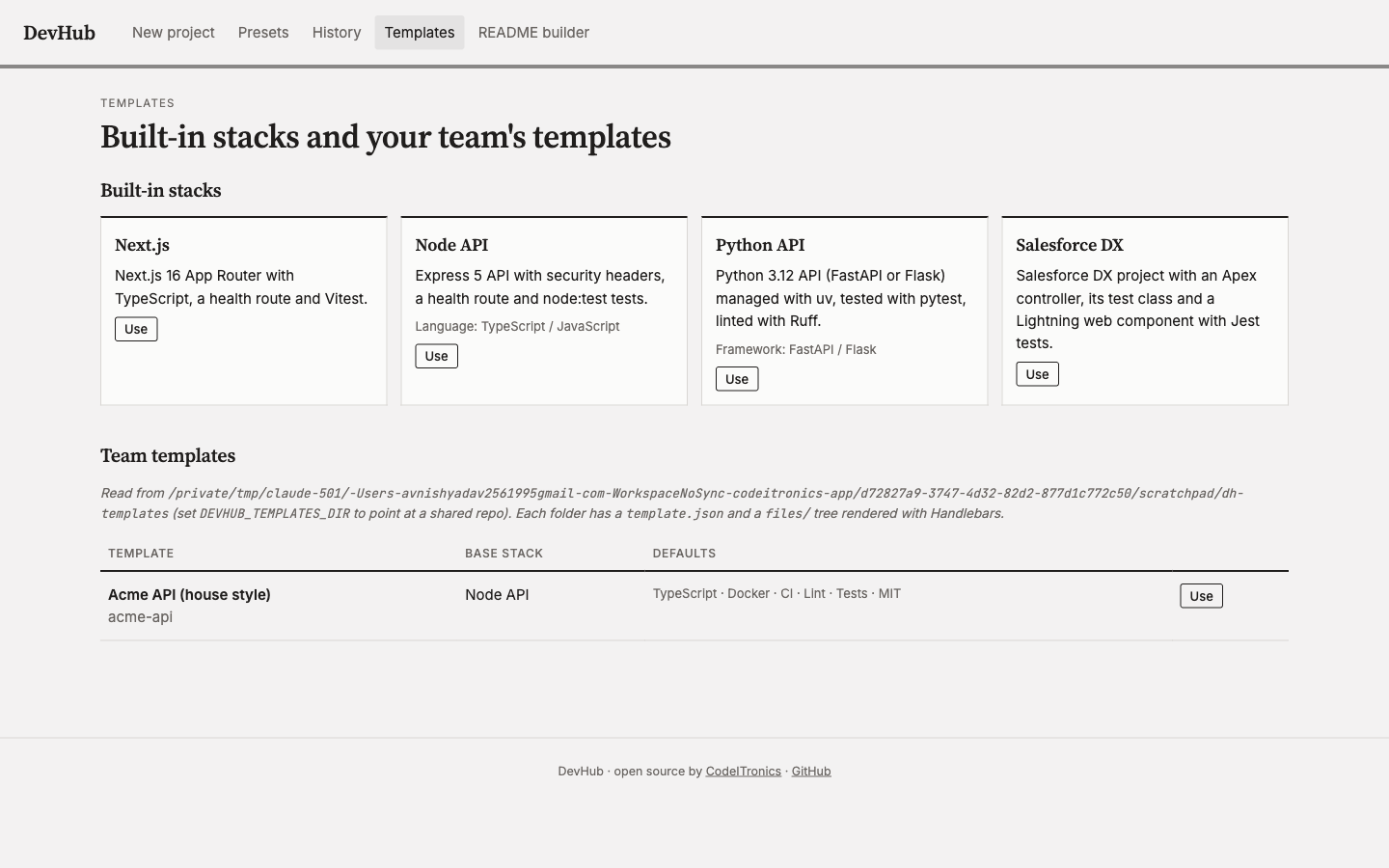
Presets save the options you use most. Team templates add your own files (a CODEOWNERS file, a logger, a house README section) on top of any stack, and can live in a shared repo so everyone scaffolds the same way.
Open source
MIT-licensed. Try the dashboard in your browser, or run npx @codeitronics/devhub ui to keep presets and templates on your own machine. The code is on GitHub and the package on npm.
Screens