Customer Support AI Triage
Autonomous resolution engine capable of handling L1 tier support tickets without human agents.
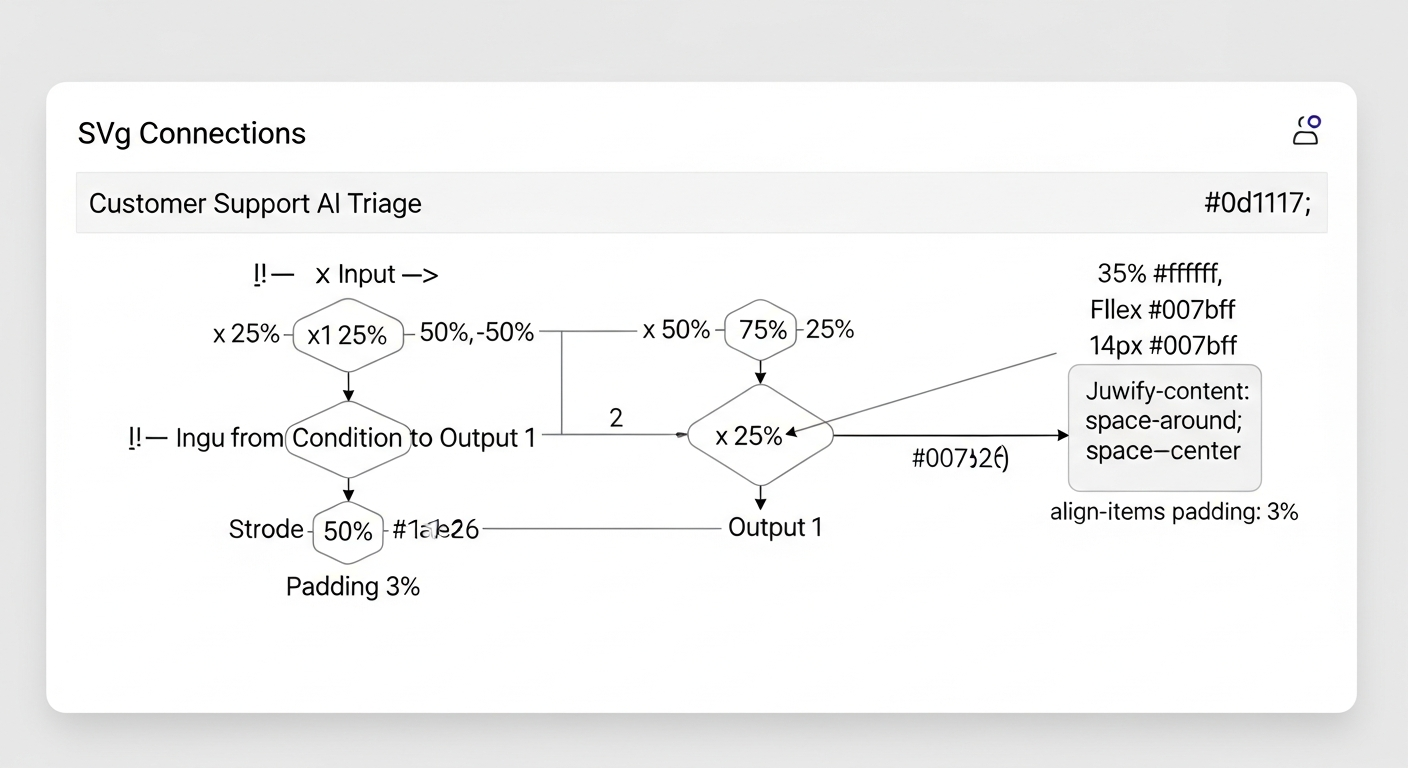
Support queues were bogged down by repetitive password resets and billing inquiries.
Deployed a specialized LLM agent synced with internal knowledge bases to auto-resolve simple issues.
- 40% of tickets auto-resolved
- Instant response times
- Human agents focused on complex issues
Overview
The Customer Support AI Triage is a system-led engineering solution designed to autonomously resolve common, repetitive support tickets. It integrates directly with your existing support platform to analyze, understand, and resolve Level 1 inquiries without human intervention.
Problem Statement
Support teams are often overwhelmed by high-volume, low-complexity tickets such as password resets, basic billing inquiries, and account status checks. This creates long queue times for all customers and prevents agents from dedicating time to nuanced, high-value problems.
System Architecture
This engine is built as a specialized, deterministic workflow centered on a purpose-tuned LLM agent.
Core Components
- Ingestion Gateway: A secure service that polls or receives webhooks from your support platform (e.g., Zendesk API).
- Orchestration Layer: Manages the ticket lifecycle, routing, and final status updates back to the support system.
- Reasoning Engine: The primary LLM agent, provided context from the following sources:
- Ticket Context: Subject, description, customer history.
- Vector Knowledge Base: A searchable index of internal documentation, FAQs, and policy guides using vector embeddings for semantic retrieval.
- Action Toolkit: A predefined set of executable functions it can call, such as
resetUserPassword()orfetchInvoiceStatus().
- Execution Layer: Securely interfaces with internal APIs and databases to perform the resolved actions approved by the orchestration layer.
- Logging & Audit Trail: Every decision, data source used, and action taken is logged for full transparency and continuous improvement.
Technical Stack
- AI/ML Core: OpenAI GPT-4, Vercel AI SDK
- Knowledge Retrieval: Vector embeddings (OpenAI Ada), Pinecone or similar vector database
- Integration & Orchestration: Zendesk API, Custom Node.js/TypeScript services
- Infrastructure: Deployed on Vercel for edge execution, with serverless functions for scalability
How It Works
- A new ticket enters the support queue and is flagged as a potential L1 candidate.
- The Ingestion Gateway captures the ticket and sends it to the Orchestration Layer.
- The Reasoning Engine is invoked. It:
- Analyzes the ticket content.
- Queries the Vector Knowledge Base for relevant, up-to-date information.
- Determines if the issue is within its predefined resolution scope and confidence threshold.
- If yes, it selects the appropriate action from its Toolkit and executes it via the Execution Layer.
- The Orchestration Layer updates the ticket in the support platform with the resolution and closes the loop with the customer.
- If the issue is out of scope, the ticket is automatically re-routed to the human agent queue with the AI's analysis appended as notes.
Key Features & Guardrails
- Strict Action Scope: The agent can only perform a vetted set of non-destructive, repetitive tasks.
- Human-in-the-Loop Escalation: Any low-confidence diagnosis or request outside the action toolkit immediately escalates to a human.
- Full Auditability: Every step, from knowledge base snippet retrieval to API call, is logged and traceable.
- Continuous Learning: Resolution logs and escalation reasons are analyzed weekly to refine the knowledge base and expand the agent's capabilities safely.
Implementation & Onboarding
Deployment typically involves a 2-week integration period:
- Week 1: API integration setup, historical ticket analysis to define the initial action scope and train vector embeddings on your documentation.
- Week 2: Shadow mode deployment, where the system processes tickets but does not take action, allowing for calibration and confidence threshold tuning.
- Go-Live: Phased rollout, beginning with a specific ticket tag or category, followed by full deployment.
Have a workflow like this?
If it keeps repeating, it can become a system. Tell us what it looks like today.
Start a project