Internal Ops Automation for Founder
Custom system to manage leads, tasks, content, and execution from a single workflow layer.
The problem
Founder was juggling multiple tools with no central system, leading to context switching and lost time.
What we built
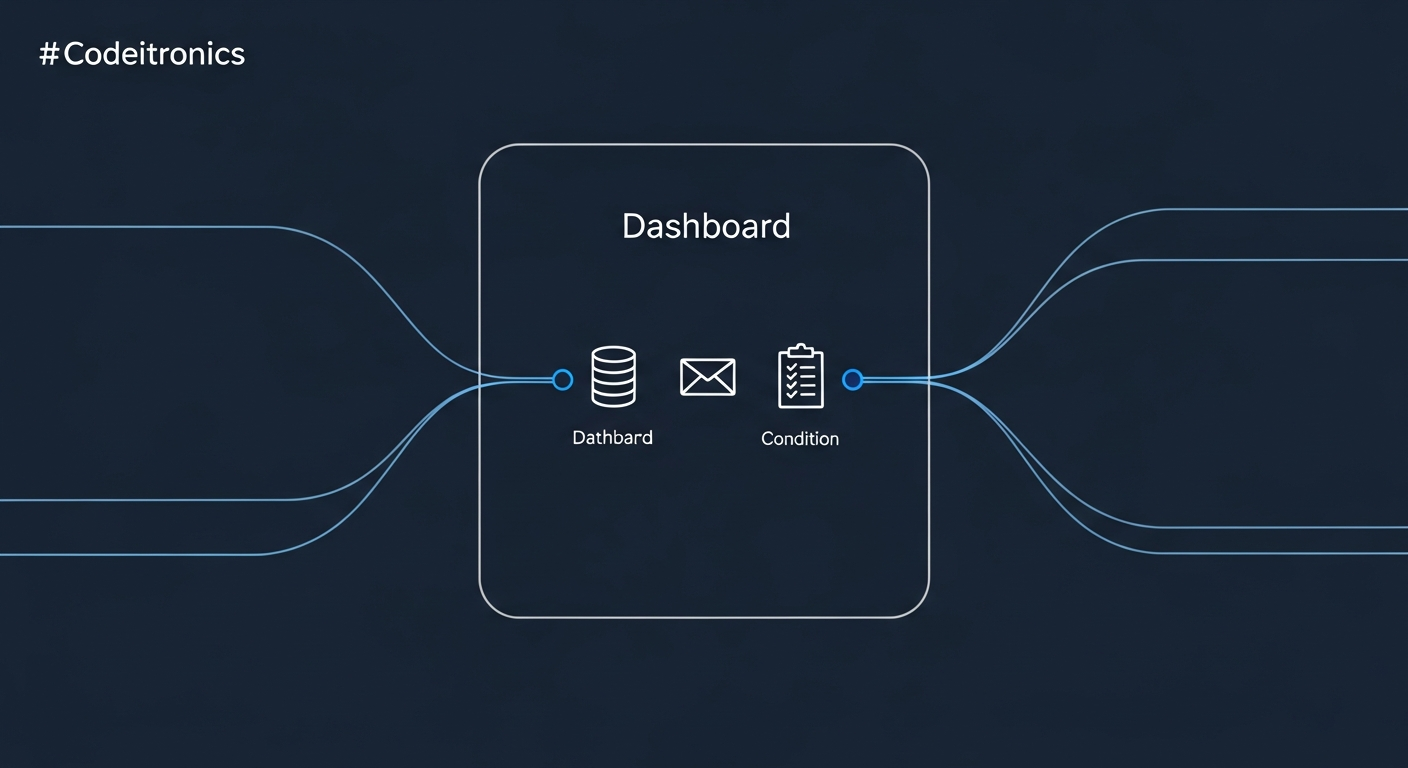
Built a unified automation system connecting Notion, email, APIs, and task flows into a single operational layer.
Features
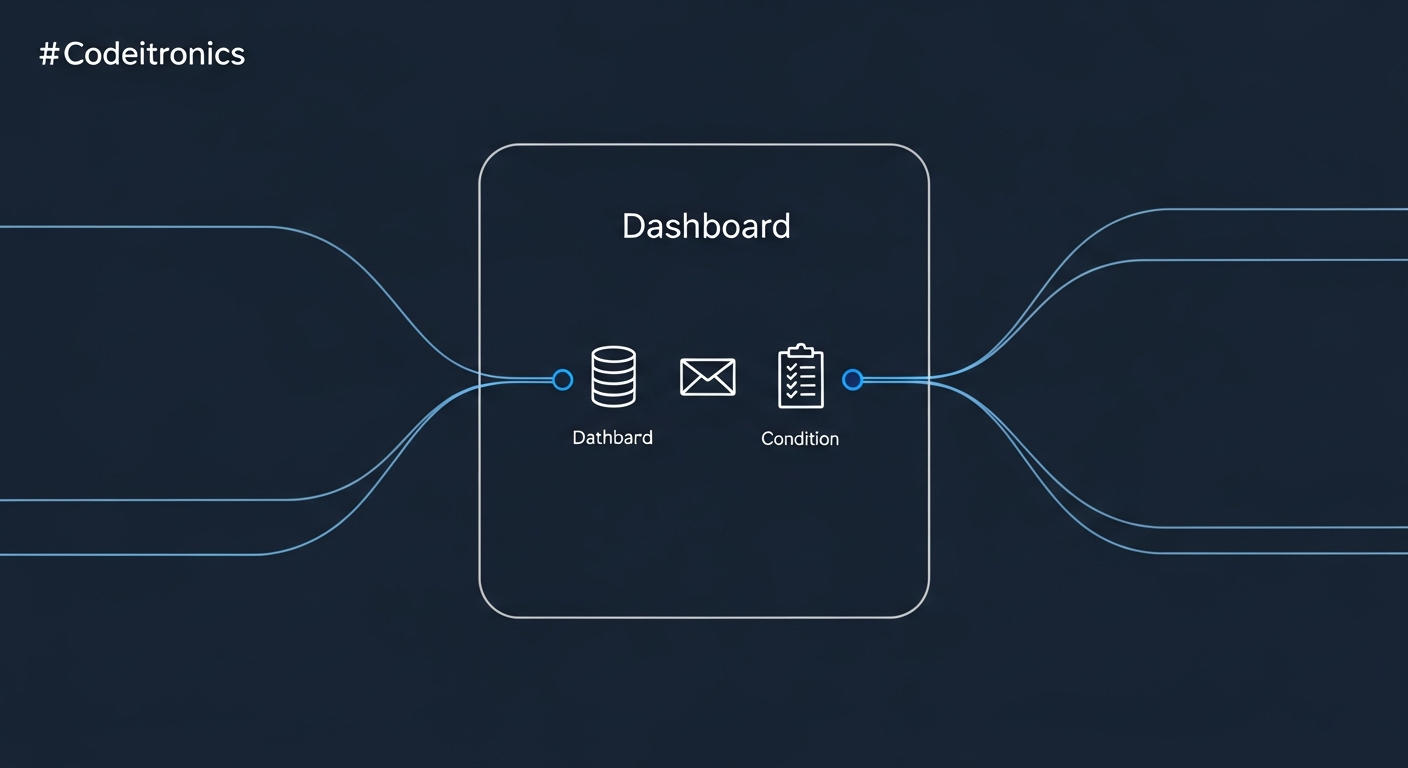
- Unified workflow dashboard
- Notion & email automation
- Customizable task & lead flows
- Centralized activity logging
- API-first integration layer
Results
- Clear operational visibility
- Reduced tool switching
- Faster execution cycles
The full story
Overview
This product is a custom-built internal operations system designed for founders and small teams. It solves the fragmentation of using multiple disconnected tools by creating a unified workflow layer. The system integrates core business functions—lead management, task tracking, content scheduling, and execution—into a single, automated dashboard.
Core Architecture
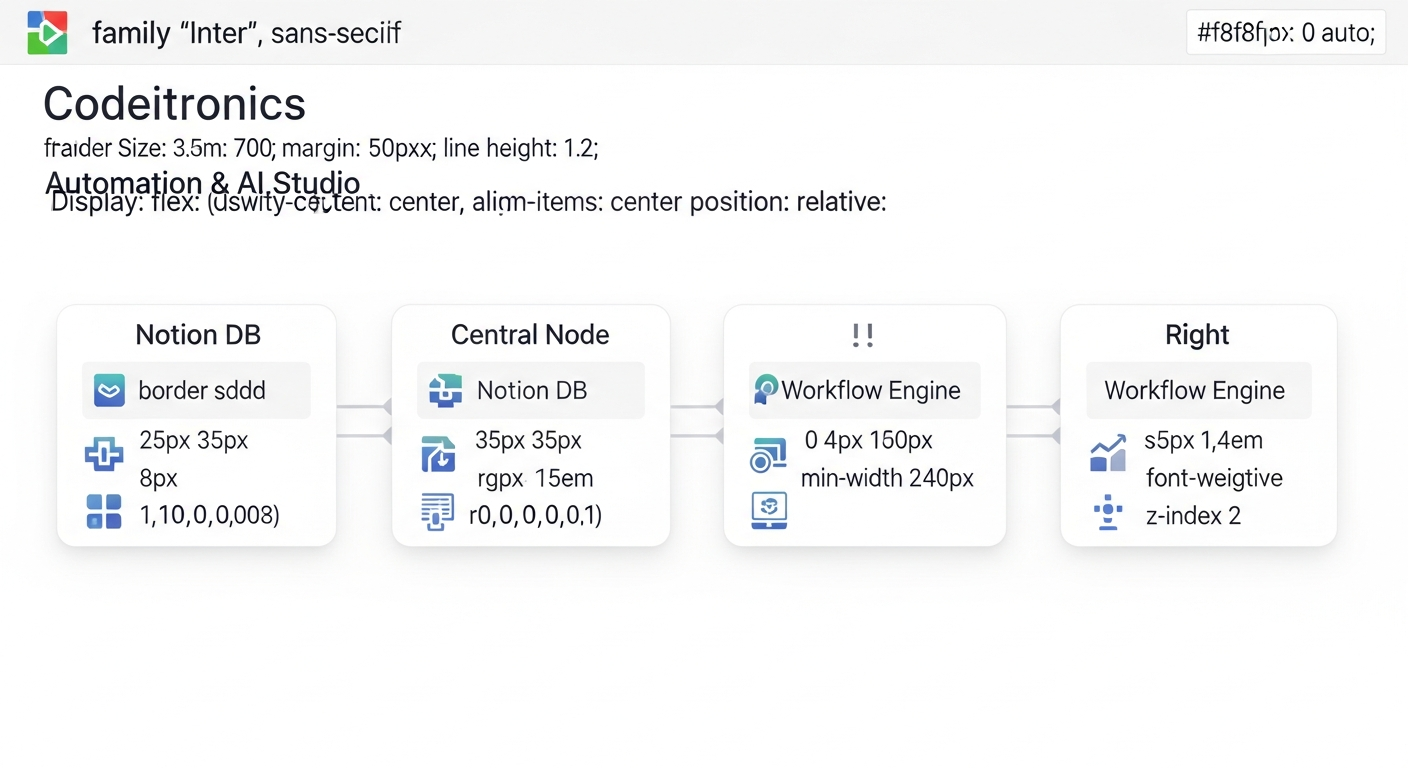
The system is built on a modular, event-driven architecture. A central workflow orchestrator (using n8n) acts as the brain, listening for events and triggering actions across connected services.
Key Components
- Integration Layer: Handles bi-directional sync with primary tools like Notion (for databases), email services, and other APIs.
- Workflow Engine: Pre-built and customizable automation flows for common operational sequences (e.g., new lead intake, content promotion cycle).
- Unified Interface: A clean, central dashboard built for clarity, providing a single source of truth for operational status.
Technical Implementation
Data Flow
- Trigger: An event occurs (e.g., new row in a Notion database, incoming email).
- Orchestration: The workflow engine processes the event, applying business logic.
- Action: The system executes defined actions, which may include updating records, sending notifications, or calling external APIs.
- Logging: All actions are logged to a central activity stream for auditability.
Example Automation: Lead Triage
Trigger: New entry in "Inbound Leads" Notion database.
Workflow:
1.  Classify lead based on predefined criteria (e.g., source, message content).
2.  Auto-create a follow-up task in the central task manager.
3.  Send a personalized acknowledgment email.
4.  Update the lead status in Notion and post a summary to a dedicated ops channel.
Stack & Integration
- Orchestration: n8n for workflow automation and API connectivity.
- Primary Database: Notion, used as the central data repository and UI.
- Custom Logic: Lightweight Node.js/Python scripts for specialized data processing or unique API calls.
- Infrastructure: Deployed on a reliable cloud platform for high availability with minimal maintenance overhead.
Value Proposition
This system replaces a patchwork of manual processes and isolated apps. It provides clear operational visibility, reduces time lost to tool switching, and accelerates execution cycles by automating repetitive sequences. The result is a founder or team that spends less time managing work about work and more time on high-impact activities.
Screens