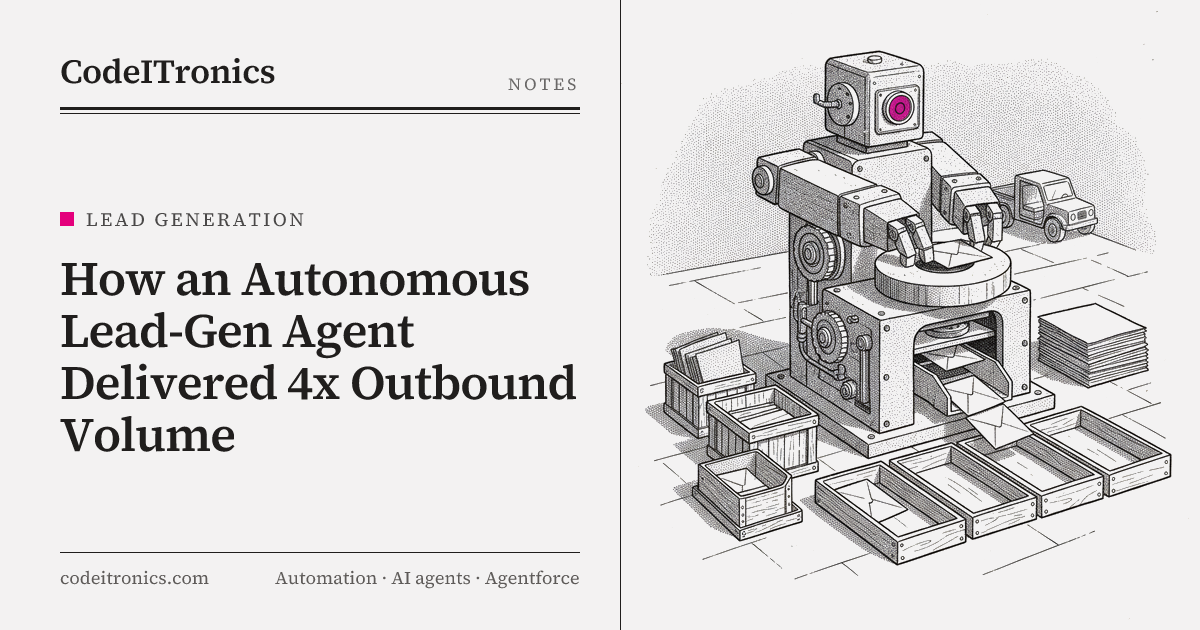
The sales team we built this for was spending 60% of its day manually researching leads. Open the company website, skim the about page, check recent news, find the right person, guess at a pain point, paste it all into HubSpot, then finally write an email. The writing was the valuable part. The research was the bottleneck.
We built an autonomous lead-gen pipeline that does that research before an SDR ever sees the lead. The result was a 4x increase in outbound volume, because the research step that capped how many leads a rep could work was eliminated, along with higher reply rates. Here's how it's put together and the decisions that mattered.
The problem with manual research
Good outbound is specific. A cold email that references something real about the prospect's company, like a product launch, a hiring push, or a stack they clearly use, performs better than a template with the first name swapped in. Everyone on a sales team knows this, which is why reps do the research.
But research doesn't scale. Each lead takes a rep through the same loop: find the site, read enough to understand what the company does, look for a trigger, decide if it's even a fit, and write notes somewhere. When that loop eats most of the day, outbound volume is capped by reading speed, not by the size of the market or the quality of the pitch.
There's a quieter cost too. Rushed research is inconsistent, so the CRM fills with uneven notes and the next person who touches the account starts over.
What we set out to build
The goal was narrow on purpose: for every lead that enters the pipeline, produce a consistent research brief and a suggested personalized opening, then put both in HubSpot where the SDR already works. The SDR still reviews, edits, and sends. The system does the reading.
Three requirements shaped everything:
- Research must be grounded in what's actually on the prospect's site and public pages, not in what a model thinks a company like that probably does.
- Output must be structured, so it can be written into CRM fields and filtered, not just dumped as a paragraph.
- Leads that aren't a fit should be flagged early, before anyone spends time on them.
Architecture overview
The stack is Puppeteer for collection, AI agents for analysis and drafting, PostgreSQL as the working store, and the HubSpot API as the system of record.
 New leads (HubSpot list / CSV import)
              |
              v
   +---------------------+
   |  Intake + dedupe    |  PostgreSQL: lead queue, status, run history
   +---------------------+
              |
              v
   +---------------------+
   |  Collector          |  Puppeteer: homepage, about, product, careers, blog
   +---------------------+
              |  cleaned page text
              v
   +---------------------+
   |  Research agent     |  LLM: structured brief + fit score + triggers
   +---------------------+
              |
              v
   +---------------------+
   |  Drafting agent     |  LLM: opening line + angle, cites the brief
   +---------------------+
              |
              v
   +---------------------+
   |  Validation         |  schema checks, fit threshold, source checks
   +---------------------+
              |
              v
   HubSpot API: update contact/company properties, create SDR task
| Component | Responsibility | Why it's separate |
|---|---|---|
| Intake | Normalize domains, dedupe, queue | Avoids paying to research the same company twice |
| Collector | Render and extract page text | Browser work is slow and flaky, so it's isolated and retried on its own |
| Research agent | Turn raw text into a structured brief | Single job, easy to evaluate |
| Drafting agent | Write the opener from the brief only | Keeps creative output tied to verified facts |
| Validation | Reject malformed or unsupported output | Protects CRM data quality |
| HubSpot sync | Write fields, create tasks | One place that touches the system of record |
Stage by stage
Intake and deduplication
Leads arrive from HubSpot lists or bulk imports. The first step normalizes the company domain, since www.acme.com, acme.com/, and https://acme.com are the same company, and checks PostgreSQL for a recent research run on that domain. If one exists and is fresh, the brief is reused. This is a small detail that matters a lot for cost and for consistency across contacts at the same company.
Collection with Puppeteer
Many modern company sites render content client-side, so a plain HTTP fetch often returns an empty shell. Puppeteer loads the page in a headless browser and extracts the rendered text. The collector visits a short, predictable set of pages: homepage, about, product or pricing, careers, and the most recent blog or news entries if they exist.
Raw HTML is noisy, so the collector strips navigation, footers, cookie banners, and scripts before storing clean text per page in PostgreSQL. Keeping the source text, not just the final brief, is what makes every claim auditable later.
Research agent
The research agent receives the cleaned page text and returns a fixed JSON structure: what the company does in one sentence, who it sells to, signals of size and stage, notable triggers like hiring or launches, likely relevant pain points, and a fit score against the client's ideal customer profile. Every trigger must reference the page it came from.
Drafting agent
The drafting agent only sees the structured brief, not the raw web. It writes a short personalized opening line and a suggested angle for the email. Restricting its input to verified brief fields is deliberate: it can't invent a fact that the research step didn't find.
Validation and HubSpot sync
Before anything reaches the CRM, outputs are checked against the schema, triggers are checked for a source reference, and leads below the fit threshold are marked as such instead of being turned into tasks. Passing leads get their HubSpot company and contact properties updated, and an SDR task is created with the brief and draft attached.
Key design decisions
Pipeline, not one big agent
We could have given a single agent a browser tool and the instruction "research this lead and write an email." It would have demoed well. It would also have been hard to evaluate, expensive on long pages, and prone to wandering. Breaking the job into fixed stages, each with one model call and one clear output, made each step testable and the whole system predictable. The "agentic" part lives inside the research step, where judgment is actually needed.
Structured output over prose
A paragraph of research is pleasant to read but useless to a CRM. Structured fields let the team filter by fit score, sort by trigger type, and build HubSpot views like "high-fit companies currently hiring engineers." It also makes evaluation easier: you can check whether a field is correct, which is hard to do with free text.
Human sends, system researches
We kept the SDR in the loop on purpose. The system eliminates research, but a person still reads the brief, adjusts the opener, and decides to send. That kept quality high, kept the team's judgment in the process, and made adoption easy, because the system removed the part of the job reps liked least without touching the part they're good at.
PostgreSQL as the working store
HubSpot is the system of record, but it's not a good place for intermediate state like raw page text, retry counts, and run history. PostgreSQL holds the queue and the evidence trail. HubSpot only receives final, validated fields.
What needed the most care
Grounding and hallucinated triggers
The biggest risk in this kind of system is a confident, wrong personalization. An opening line that congratulates a prospect on a funding round that never happened is worse than a generic email. That's why triggers must cite a source page, why the drafting agent only sees the brief, and why validation rejects triggers without a source. When the site doesn't contain anything specific, the right output is a weaker but honest opener, and the prompt says so explicitly.
Flaky pages
Browser automation fails in boring ways: timeouts, bot protection, sites that are down, single-page apps that never finish loading. The collector uses per-page timeouts, limited retries, and graceful degradation. If the careers page fails, the brief is built from what loaded, and the brief records which pages were missing. A lead never blocks the queue.
Respecting the sites being read
The collector visits a handful of public pages per company at a modest rate. It doesn't crawl whole sites, log into anything, or scrape personal data from third-party platforms.
CRM data hygiene
Writing to a CRM automatically can make a mess quickly. We created dedicated HubSpot properties for the generated fields instead of overwriting rep-entered ones, and the sync is idempotent: re-running a lead updates its fields rather than creating duplicate tasks or notes.
Evaluation
Briefs are evaluated against a sample of real leads with rep-checked answers: is the description accurate, are the triggers real, is the fit score sensible. The same sample works as a regression check whenever prompts change.
Results
The published results for this build are a 4x increase in outbound volume, the elimination of manual SDR research, and higher reply rates.
The mechanism behind the 4x is straightforward. When research takes most of a rep's day, the number of leads a rep can work is limited by research time. Remove that step and the same team can work far more leads with the same hours, while each email is still personalized with real, sourced detail. The higher reply rates come from that same consistency: every lead gets a researched opener, not just the ones a rep had time for.
Key Takeaways
- Research was the bottleneck, not writing. Automating the reading freed the team to do more of the part that needs a human.
- A fixed pipeline of focused stages is easier to test and trust than one open-ended agent with a browser.
- Personalization is only valuable if it's true. Require sources for every trigger and keep the drafting step away from raw web text.
- Keep intermediate state in your own database and write only validated fields to the CRM.
- Keep a human on the send button. It protects quality and makes adoption easy.
FAQs
Does the system send emails automatically?
No. It writes the brief and a suggested opener into HubSpot and creates a task. An SDR reviews, edits, and sends. That was a deliberate choice to protect quality and keep the team's judgment in the loop.
Why Puppeteer instead of a simple HTTP request?
Many company sites render content with JavaScript, so a plain request often returns very little text. A headless browser sees the page the way a visitor does.
How do you stop the AI from inventing facts about prospects?
Every trigger in the brief must reference the page it came from, the drafting step only sees the validated brief, and validation rejects unsourced claims. When there's nothing specific to say, the system writes a plainer opener.
Could this work with a CRM other than HubSpot?
Yes. HubSpot is only the final sync stage. The collection, research, and validation stages don't depend on it, so swapping the sync for Salesforce or another CRM is a contained change.
What does an SDR's day look like after this?
Less time reading websites, more time refining openers and talking to prospects who reply.
Working on Something Similar
If your sales team spends more time researching than selling, this is a well-understood problem to automate. CodeITronics builds AI agents and integrations like this one, designed around your CRM and your team's workflow. You can read more builds on our work page, or get in touch to talk through your pipeline.


Letters to the editor
No letters yet. Questions and counterpoints are welcome.