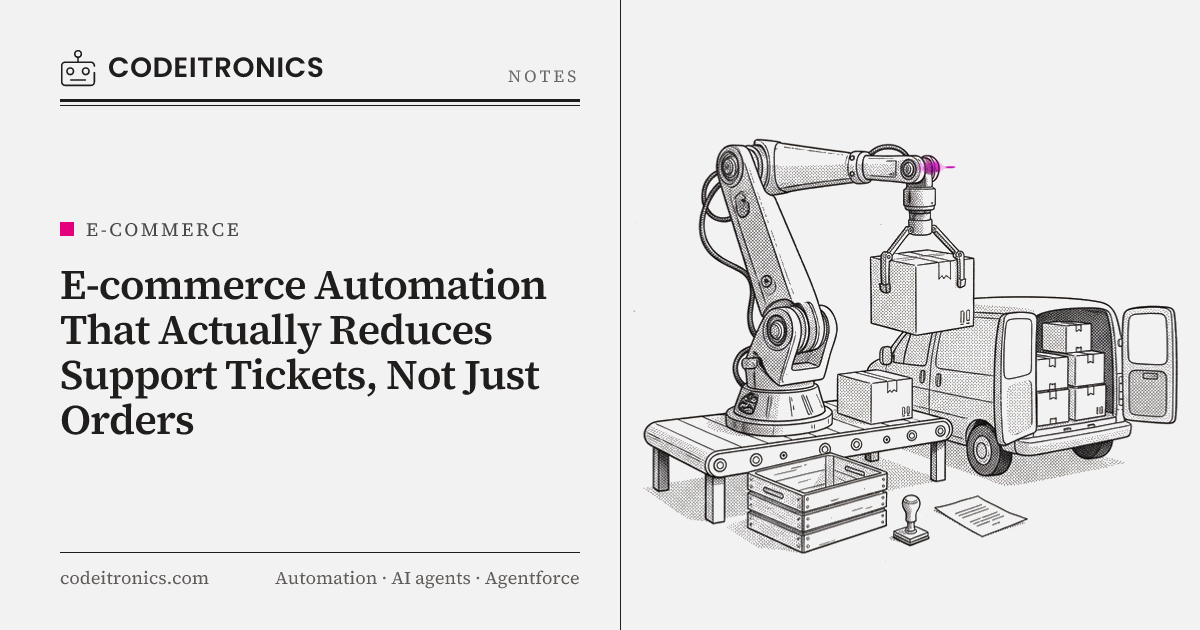
Most e-commerce automation is built to move orders faster: sync to fulfillment, print the label, mark it shipped. That's useful, but it doesn't touch the most repetitive work in an online store's inbox, which is customers asking where their order is. When CodeITronics built the E-commerce Automation Engine on Shopify's API and webhooks, we designed it around a different question: what does the customer need to know before they think to ask? This post covers the architecture behind that approach and the reliability work that makes it trustworthy.
Why order automation does not reduce tickets by itself
A "where is my order" ticket isn't caused by a slow warehouse. It's caused by silence. The customer paid, got a confirmation email, and then heard nothing for days. Maybe a tracking link arrived, but it showed "label created" for three days. Maybe an item went out of stock after they ordered and nobody told them.
Faster fulfillment helps at the margins, but the customer can't see it. What they can see is whether the store tells them what's happening. So the design goal for the engine wasn't "process orders automatically." It was "make sure every meaningful change in an order's state reaches the customer, in plain language, before they wonder about it."
That reframing changed what we built. Instead of a pipeline that pushes orders out, we built a system that tracks every order's lifecycle and reacts to each state change, including the ones that represent problems.
The event-driven order lifecycle
Shopify sends webhooks when things happen: orders created, paid, fulfilled, updated, cancelled, and so on. Carriers and fulfillment providers emit their own events. The engine treats all of these as inputs to a single lifecycle per order.
 Shopify webhooks        Carrier / 3PL events        Scheduled checks
        |                        |                          |
        v                        v                          v
  +-------------------------------------------------------------+
  |  Ingest endpoint: verify HMAC, store raw event, return 200   |
  +------------------------------+------------------------------+
                                 |
                                 v
                         Event queue (async)
                                 |
                                 v
  +-------------------------------------------------------------+
  |  Lifecycle processor                                         |
  |   - dedupe by event ID                                       |
  |   - load current order state                                 |
  |   - apply transition (placed -> paid -> packed -> shipped    |
  |     -> in transit -> delivered, or delayed / backordered)    |
  |   - persist new state + history                              |
  +-------------+------------------------------+----------------+
                |                              |
                v                              v
     Notification rules              Inventory sync jobs
     (email / SMS / status page)     (Shopify + other channels)
Key design decisions:
Acknowledge fast, process later. The webhook endpoint does three things: verifies the HMAC signature, stores the raw payload, and returns a 200. All real work happens from a queue. Shopify expects a quick response and will retry if it doesn't get one, so slow processing inside the handler creates duplicate deliveries and noise.
Model the order as a state machine. Each order has an explicit current state and a history of transitions. Events propose transitions; the processor decides whether they're valid. A "delivered" event for an order that's still "paid" doesn't silently overwrite state. It gets flagged.
Store the raw events. Keeping the original payloads means we can replay events after fixing a bug, and support staff can see exactly what happened to an order without digging through logs.
Scheduled checks fill the gaps. Webhooks tell you when something happens. They can't tell you when something should have happened and didn't. A scheduled job looks for orders stuck in a state longer than expected, such as shipped with no carrier scan, and turns that absence into an event.
That last point is where most of the support value lives.
Proactive notifications that answer questions early
Standard store notifications cover the happy path: order confirmed, order shipped. The engine adds messages for the moments that usually generate tickets.
| Situation | Trigger | What the customer hears |
|---|---|---|
| Order confirmed | Order paid | What happens next and a realistic timeline |
| Packed and handed off | Fulfillment created | Tracking link plus a note that tracking may take time to update |
| Stuck before first scan | Scheduled check on shipped orders | A heads-up that the carrier hasn't scanned it yet and what the store is doing |
| Carrier delay | Carrier exception event | A plain explanation and updated expectation |
| Item out of stock after ordering | Inventory sync conflict | Options: wait, swap, or refund |
| Back in stock | Inventory increase on a watched item | Notification to customers who asked to be told |
| Delivered | Carrier delivery event | Confirmation and where to go if something's wrong |
A few principles guided the messages:
- Say what you know and what you're doing. "Your package hasn't been scanned yet. We've contacted the carrier and will update you" heads off a ticket. A generic "your order is on its way" doesn't.
- Don't over-notify. Every message has a reason to exist. Rules include quiet periods and deduplication so a customer doesn't get three updates in an hour.
- Give self-service options. Delay and stock messages link to an order status page where customers can see the timeline and choose options without contacting support.
- Keep support informed too. When a proactive message goes out, the order's history shows it. If the customer does write in, the agent sees what they've already been told.
The back-in-stock flow is a smaller feature, but it turns a request that would otherwise be an email ("will this come back?") into a signup that resolves itself automatically.
Inventory sync as a support problem
Inventory sync is usually framed as an operations concern: don't oversell. From a support perspective, overselling is one of the most expensive mistakes a store makes, because every oversold order becomes a conversation, often an unhappy one.
The engine keeps stock levels consistent across Shopify and any other channels or systems involved. The design choices:
- One source of truth per SKU. Each SKU has a defined authoritative system. Other channels receive updates; they don't independently decide stock.
- Event-driven updates with periodic reconciliation. Changes propagate on events for speed, and a scheduled job compares levels across systems to catch anything missed. Events alone drift; reconciliation alone is too slow.
- Conflicts become customer actions. If an order slips through for an item that's actually out of stock, the system doesn't just log it. It triggers the "out of stock after ordering" flow so the customer hears about it from the store first.
Idempotency and retries
None of this works if the system sends duplicate emails, double-decrements inventory, or misses events. Webhooks are delivered at least once, which means sometimes more than once, and sometimes out of order. The engine assumes both.
Dedupe at ingest. Each incoming event's ID is recorded. A repeated delivery is acknowledged and dropped.
Idempotent side effects. Every outbound action carries an idempotency key built from the order, the transition, and the action type. "Send shipped email for order X" can only happen once, no matter how many times the processor runs.
async function notifyOnce(orderId, transition, channel, send) {
  const key = `${orderId}:${transition}:${channel}`;
  const inserted = await db.notifications.insertIfAbsent({ key, status: "pending" });
  if (!inserted) return;                 // already sent or in progress
  await send();
  await db.notifications.markSent(key);
}
Retries with backoff and a dead-letter queue. Calls to Shopify, email providers, or carriers can fail or hit rate limits. Failed jobs retry with exponential backoff. After a set number of attempts they move to a dead-letter queue that someone reviews, instead of disappearing.
Respect API rate limits. Shopify's API is rate limited. Inventory sync jobs are throttled and batched so a large update doesn't crowd out the order processing that customers depend on.
Out-of-order handling. Because the processor validates transitions against current state, a late "shipped" event arriving after "delivered" doesn't roll the order backward.
This reliability layer is invisible when it works. When it doesn't exist, it shows up as duplicate emails, wrong stock counts, and customers who get told their delivered package just shipped, all of which create tickets.
What we would watch after launch
We don't have a published ticket-reduction figure for this build, so we won't make one up. What we'd recommend any store track to judge whether proactive automation is working:
- Ticket volume by category, especially order status questions, compared against order volume over the same period.
- Tickets on orders that already received a proactive message. If customers still write in after a delay notice, the message isn't clear enough.
- Time spent in "stuck" states, which shows whether the scheduled checks catch problems early.
- Oversell incidents from inventory conflicts.
- Dead-letter queue size, a direct read on reliability.
These tell you whether the system is reducing questions or just sending more email.
Key Takeaways
- "Where is my order" tickets come from silence, not slow shipping. Design automation around what the customer needs to know.
- Treat each order as a state machine fed by webhooks, carrier events, and scheduled checks for things that should have happened.
- Proactive messages for delays, stuck shipments, and stock problems do more for support than happy-path notifications.
- Inventory sync is a support feature: overselling creates some of the hardest conversations a store has.
- Idempotency, deduplication, retries, and dead-letter queues are what make proactive messaging trustworthy.
FAQs
Why not just rely on Shopify's built-in notifications?
They cover the happy path well. The tickets usually come from exceptions, like delays, missing scans, and stock issues, which need custom detection and messaging.
How do you handle duplicate Shopify webhooks?
Record each event ID at ingest and drop repeats, then make every side effect idempotent with a key based on the order, transition, and action.
What happens when an external API is down?
Jobs retry with exponential backoff. After repeated failures they go to a dead-letter queue for review, so nothing is silently lost.
Won't more notifications annoy customers?
Only if they're noisy. Each message needs a clear reason, and rules for quiet periods and deduplication prevent over-messaging.
How do you measure whether this reduces tickets?
Track order-status tickets relative to order volume, and look at tickets on orders that already received a proactive update.
Working on Something Similar
If your support inbox is full of order status questions and you want automation that answers them before they're asked, we'd be glad to look at your store's setup. You can see the E-commerce Automation Engine and related builds on our work page, or get in touch to talk through your order flow.
Letters to the editor
No letters yet. Questions and counterpoints are welcome.